
Category
I'm a proponent of good security and when I leave my computer, I want it to require a password or code to get back in. But VMWare also locks its virtual Windows sessions needlessly. Here's a registry hack to prevent that.
UltraEdit vs EditPad Pro
Category
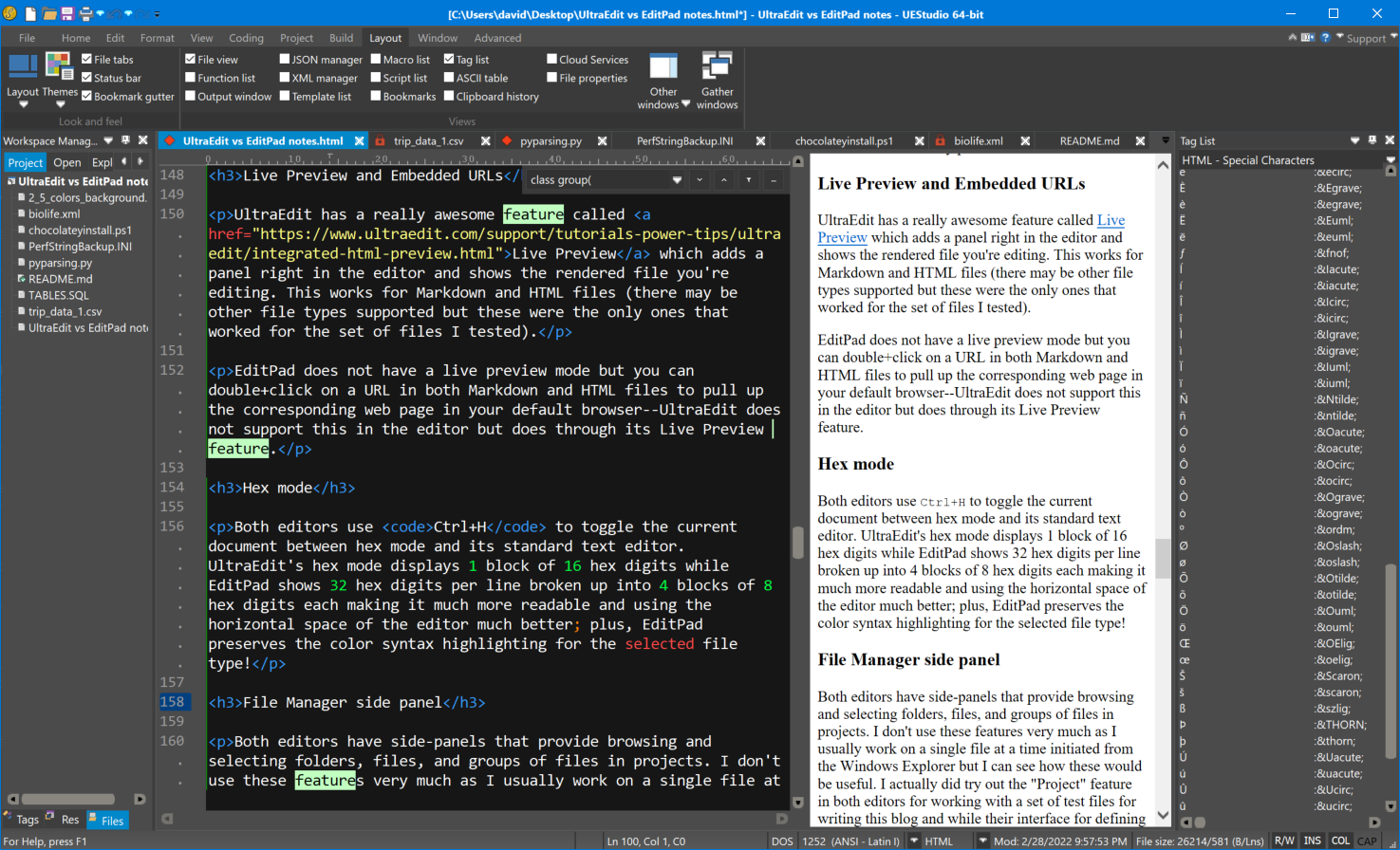 Embarcadero's parent company, Idera, recently acquired UltraEdit which includes the company's namesake product, UltraEdit, a long-standing favorite text editor among many programmers, and some accompanying tools that have grown up around the main product, namely UltraCompare, UltraFTP, and UltraFinder. I decided to go through the feature set and compare this suite of tools with EditPad Pro the text editor I've used for several years from Just Great Software.
This review doesn't cover every feature of the two editors nor does it go into great depth as there are tutorials and videos on each of the respective sites. It also concentrates on just the task of editing files, mostly ignoring file comparison, FTP, and file-finding features of UltraEdit's companion tools. This review is the personal conclusion I came to based on my experience, interest, and needs--your view may be different. The bulk of my time is spent in the full-featured Delphi IDE; nevertheless, I do have need for a good-quality text editor in many circumstances and having several time-saving features built-in are well worth learning about and using.
My History with Delphi--and Why I still Use It
Category
Delphi Productivity Tips: Environment Consistency
Category
Category
 Programmers are not typical office workers--they use lots of memory, graphics, and CPU cycles. The standard heat sink and fan combo that CPU makers "generously" provide with their CPUs just don't cut it for us. Do your development machine a favor and upgrade it to one that runs quiet and cool.
Delphi Productivity Tips: Keyboard and Mouse Basics
Category
 There's an old story about a question that was posed during a family meal asking what was the best modern convenience in the home. The younger generation were saying things like ice makers in refrigerators and microwave ovens. The grandmother of the family listened for awhile then gave her input: indoor plumbing!
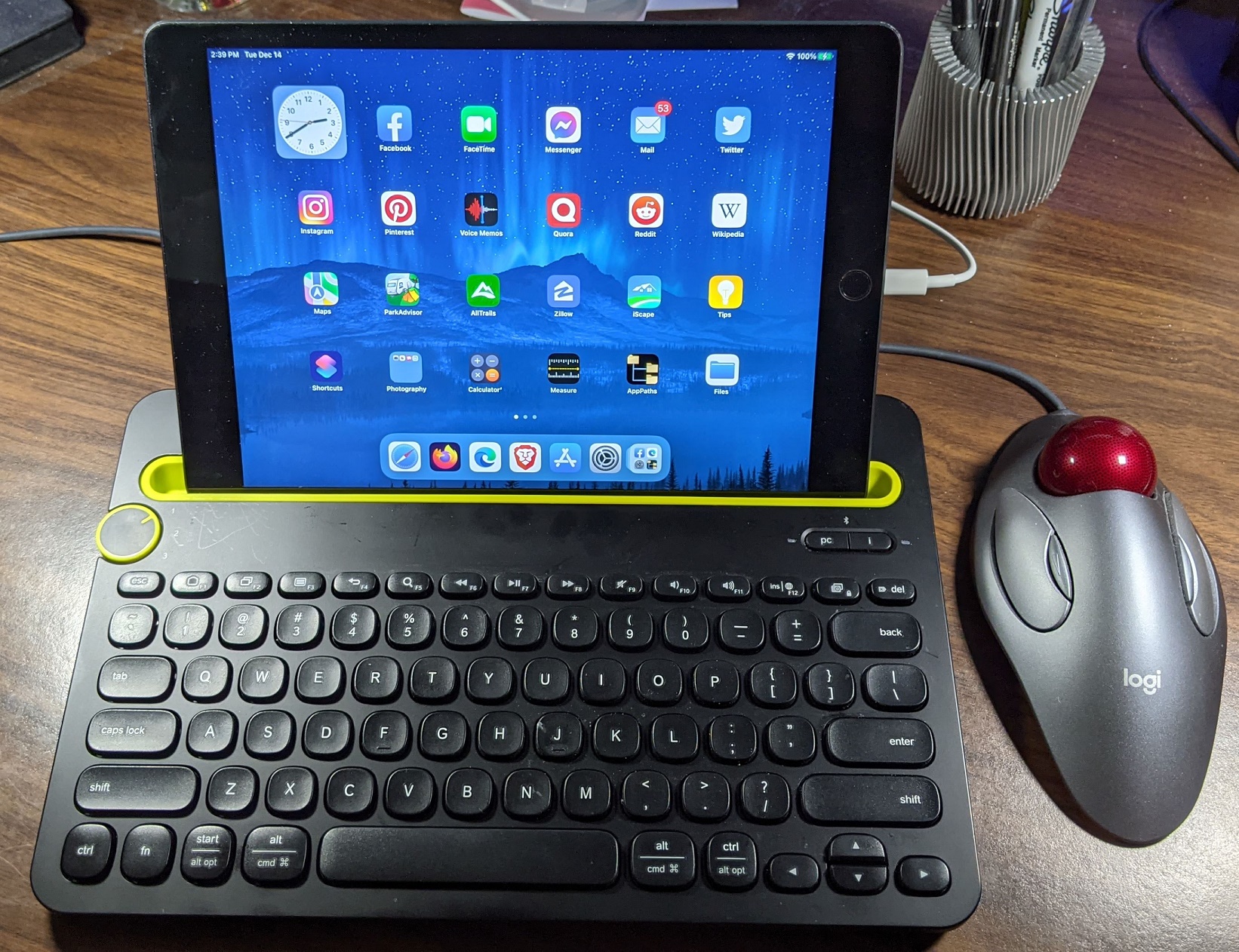
It's too easy to take some of the basic conveniences of life--or features of an IDE--for granted, and assume they will always be present. This article continues a set of Delphi Productivity Tips but goes back to some of the basics of the Delphi IDE that I realized are probably more import--but I don't always think about because I figured every development environment should have.
There's an old story about a question that was posed during a family meal asking what was the best modern convenience in the home. The younger generation were saying things like ice makers in refrigerators and microwave ovens. The grandmother of the family listened for awhile then gave her input: indoor plumbing!
It's too easy to take some of the basic conveniences of life--or features of an IDE--for granted, and assume they will always be present. This article continues a set of Delphi Productivity Tips but goes back to some of the basics of the Delphi IDE that I realized are probably more import--but I don't always think about because I figured every development environment should have.
Category
There are many stories I could tell with this title. It's such an obvious rule when dealing with electrical devices but so often overlooked as a possibility of the source of a problem when everything else works. Here's my most recent experience that took its toll on more than just myself.
I Finally Understand High DPI
Category
TRESTResponseDataSetAdapter and Hidden Gems of the REST Debugger
Category
Writing REST applications in Delphi is pretty simple with the advanced components we have available these days. The functionality encapsulated allows us to spend time on the business and user interface aspects of development rather than the nuances of connecting to an API and parsing JSON results. When starting a new REST app, I usually use the REST Debugger that comes in RAD Studio to test out an API before building the app itself. There are other REST API tools but this one has a great feature that saves me time building my Delphi app that no other tool has.